


Write to us
 We read every word!
An idea, a problem, a thank-you: write to us.
contact@getbeeloved.comOr in the app: Me → Write to me, a conversation with Tam, the creator of BeeLoved.
Your flower
How do I plant my flower?
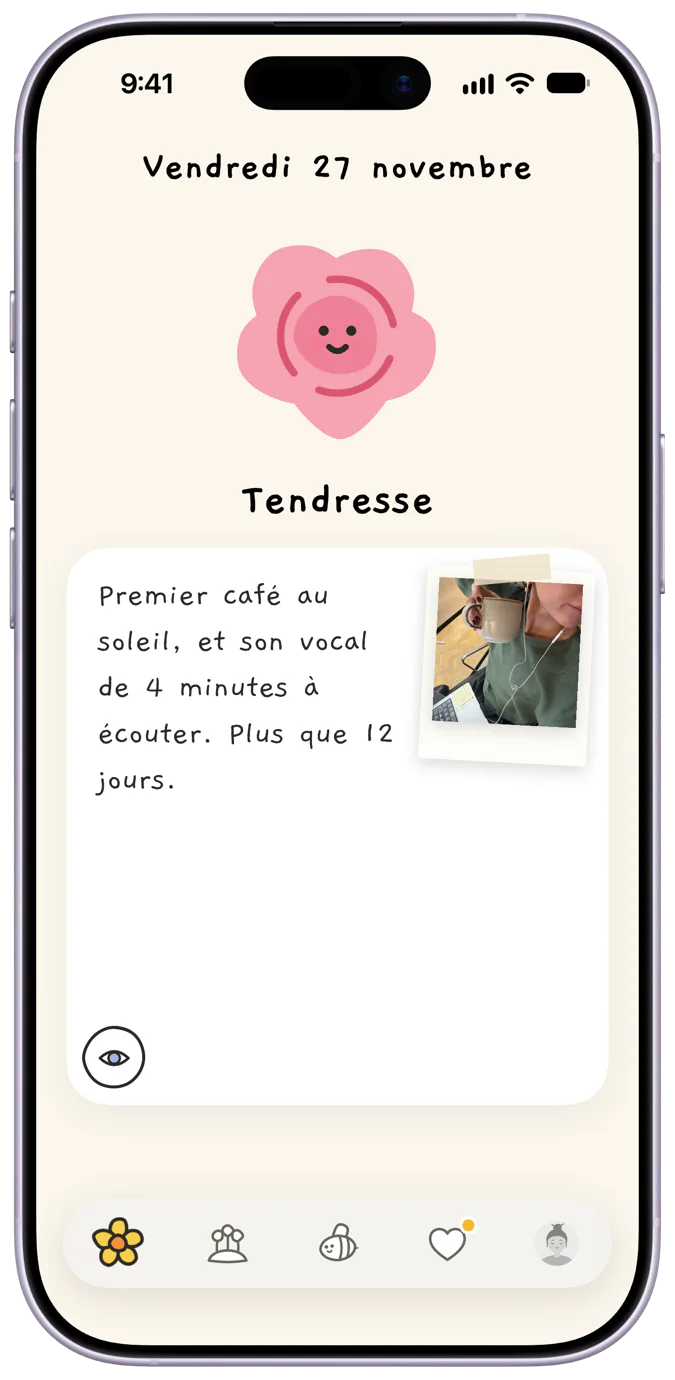
In the flower tab, swipe through the flowers to the one that matches your mood, write your note if you like, then tap “Plant my flower”.
Can I change it?
Your flower of the day, no: once it’s planted, it stays. Your note and your photo, yes. For an earlier day, tap its flower in your garden, then “Edit”.
I write after midnight: which day is it for?
The day before. Your BeeLoved day ends at 3 a.m.
Who sees my note?
Your other half: your flower, your note, and your photo. To show them less on a given day, tap the eye at the bottom of your note. No one else sees anything.
How do I change my garden’s scenery?
In your garden, tap the paintbrush, to the right of the month. Each month keeps its own.

Your other half
How do I invite my other half?
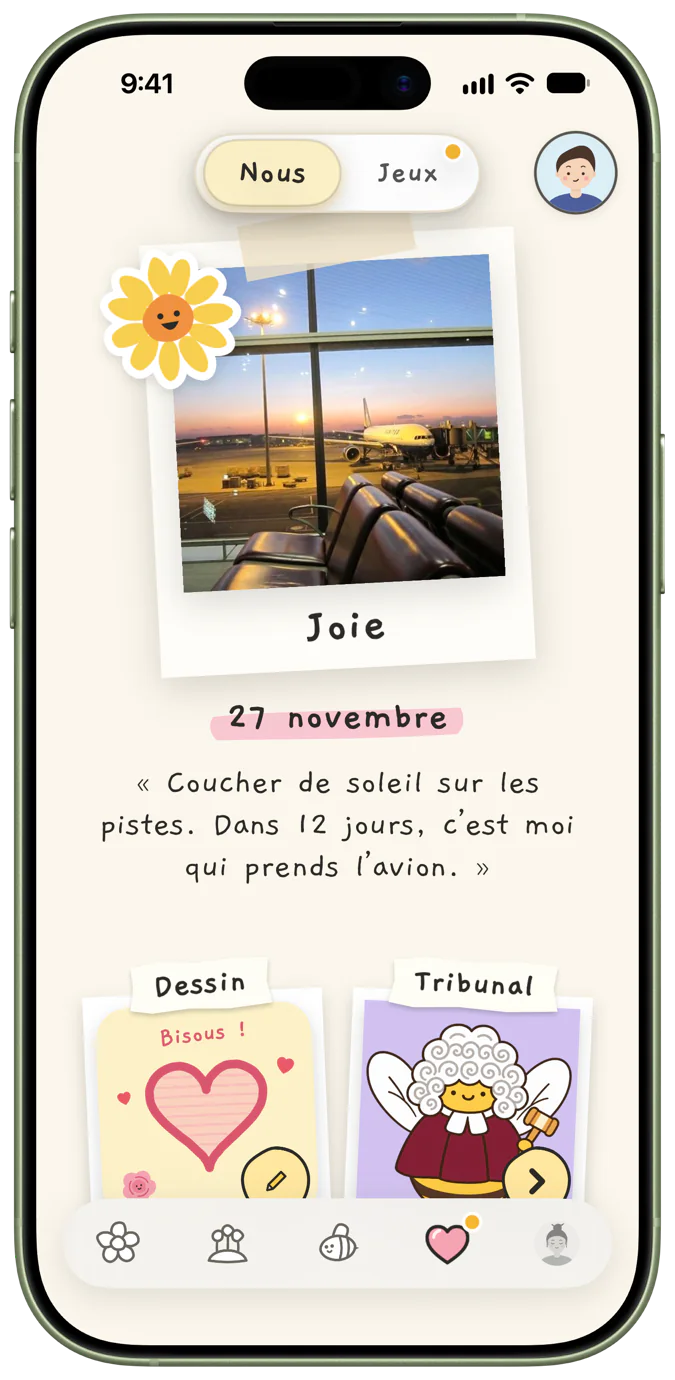
In the heart tab, tap “Send an invitation”, then send the link with any app you like. Your other half taps it: BeeLoved opens, and you’re connected.
My other half doesn’t have the app yet?
The link opens a page with the App Store button. The first time BeeLoved opens, it finds the invitation by itself: the iPhone asks if it can paste the link, say yes. If not, tap the link again.
The link doesn’t work anymore?
An invitation can only be used once, within 14 days. Ask for a new one: “Send the invitation again”.
How do I remove my other half?
On the Us page, tap their face, then “Remove”. You no longer see each other’s gardens, and your games and drawings go too.
The six games
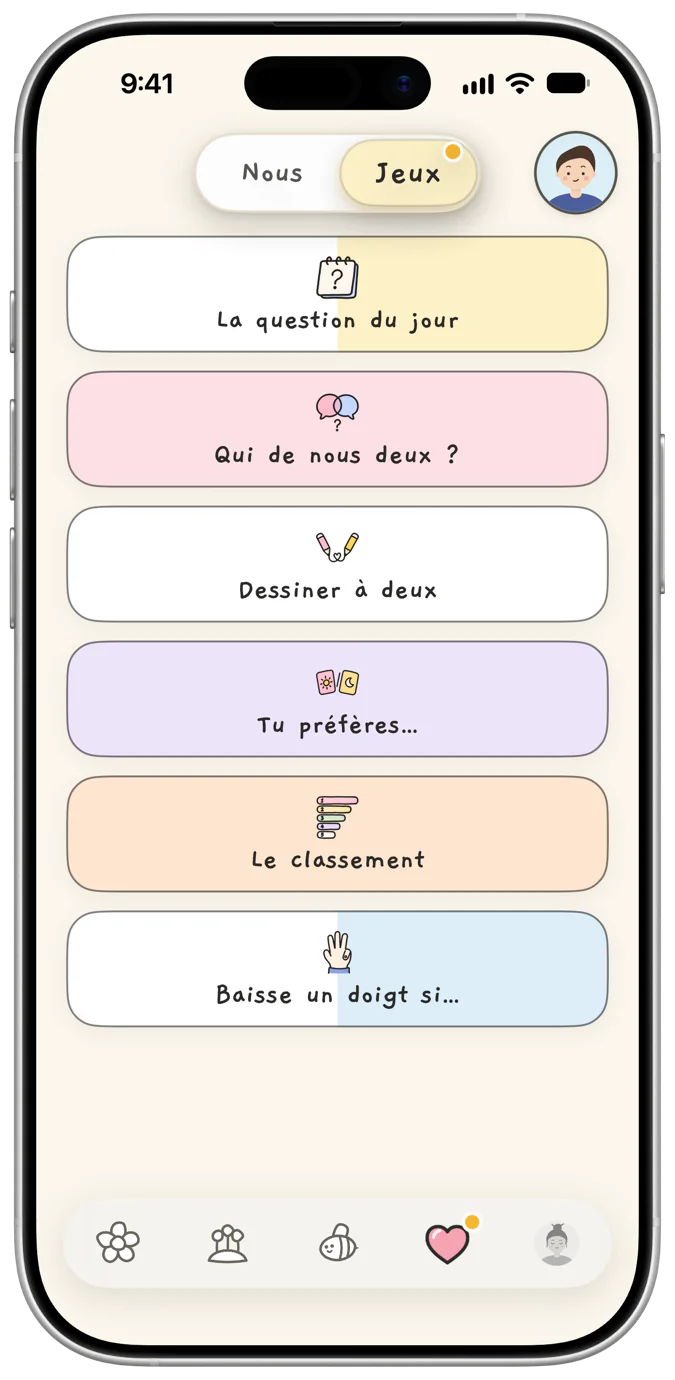
In the heart tab, tap “Games”.
 The question of the dayYou each answer. Their answer opens once you’ve written yours.
 Which of us?“…sings the most off-key?” You each vote for one of you.
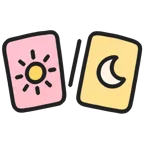 Would you rather…You each choose, then bet on the other’s choice.
 Draw togetherOne drawing, taking turns, one minute at a time.
 Rank itFive choices to rank from 1 to 5, then your two rankings side by side.
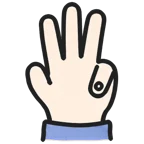 Put a finger downFive sentences: one finger down for each thing you’ve done. Then you bet on their hand.

The Court
What is it?
For little arguments. On the Us page, tap “Court”, then “Open a case”. You each tell your side, and the judge gives a verdict that’s fair to you both, with no one to blame.
Who’s the judge?
An AI (GPT, by OpenAI): it reads both your sides to write the verdict. The first side of a case, the other person reads before writing theirs; the second, after the verdict. It’s all explained on the Privacy page.
We don’t like the verdict?
Appeal: say what you want to change, and the judge rules again. As many times as it takes, until you’ve both accepted it. One case a day.
What if it’s serious?
If one side talks about violence, threats, or fear, the judge doesn’t rule: the app stops the case and gives helpline numbers.
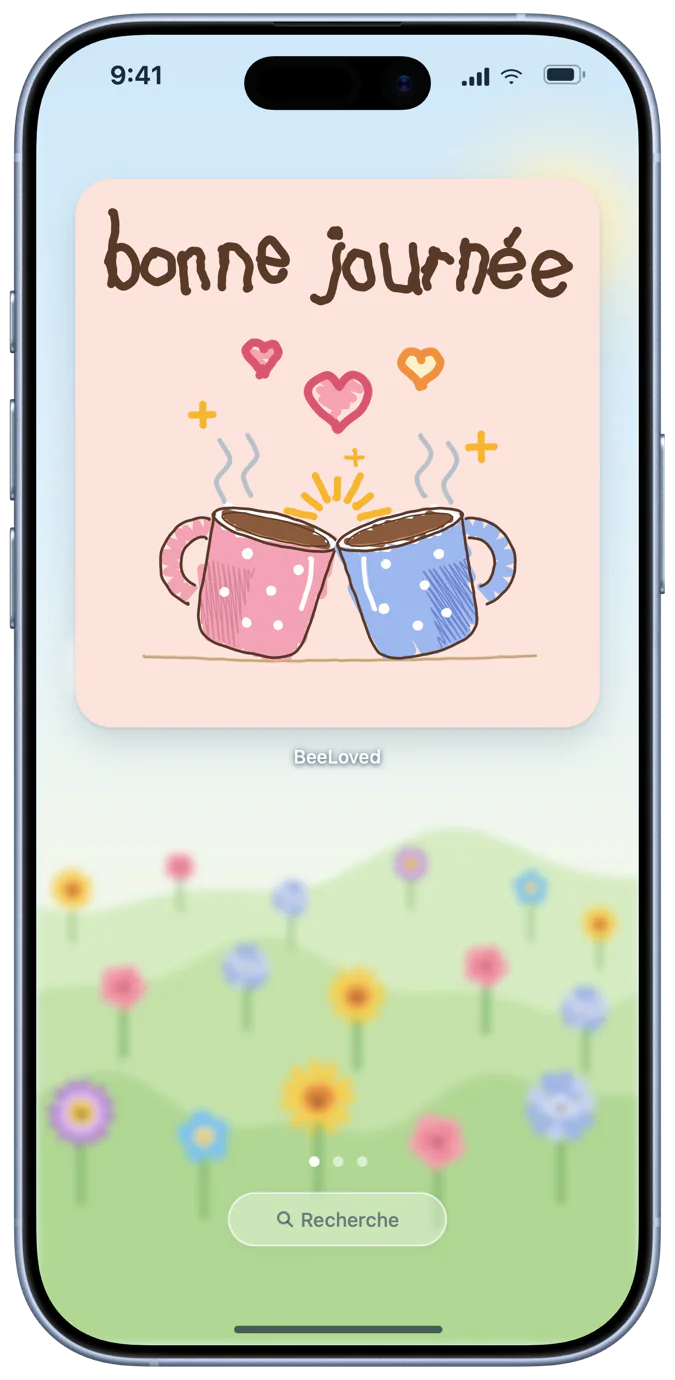
The widget
How do I add it?
- Press and hold your Home Screen.
- Tap the button at the top left, then “Add Widget”.
- Search for BeeLoved and pick a size.
- Tap “Add Widget”: that’s it!
The same steps, as a video: Me → Widget → How to add the widget.
How do I send a drawing?
Me → Widget, then “New drawing”. Draw with your finger, tap “Done”, choose who it’s for: it lands on their widget.
The drawing doesn’t show up?
The iPhone refreshes widgets at its own pace, sometimes a few minutes later. Opening BeeLoved brings it in right away. For it to arrive without opening the app, keep BeeLoved’s notifications turned on.
Your bee
Where did my bee go?
It’s foraging! It goes out for two hours, with its whole family: look in your garden. In the evening, it sleeps; tap “Wake up”.
What’s nectar for?
Your flowers, your games for two, and the mini-games earn you some. With it, you dress up your bee and decorate its home.


Your account
I don’t get notifications
Check Me → Notifications, then, in the iPhone’s Settings, Notifications → BeeLoved.
I got a new iPhone: do I get everything back?
Your journal, your bee, and your settings come back if you transferred your old iPhone (Quick Start or a backup), or if you signed in with Apple in Me → My account. Same if you delete and reinstall the app.
Does it cost anything?
BeeLoved is free. BeeLoved+, optional, for you and your other half: all the garden sceneries, the photo on your note, 2× nectar. You cancel it in the iPhone’s Settings: your name → Subscriptions.
How do I erase everything?
Me → My account → Delete my account. Everything is erased, on our server and on your iPhone. A BeeLoved+ subscription keeps going with Apple: cancel it separately. The details: Privacy.
What about Android?
BeeLoved is only on iPhone, with iOS 17 or later. On Android, an invitation’s page lets you leave your email to hear when it arrives.
Didn’t find your answer?
Write to us, we’ll reply.
contact@getbeeloved.com